How to Make Transparent AI GIFs Without Halo Fringes
Learn how clean alpha channels, centered motion, and local palette quantization produce crisp transparent GIF stickers and 32-bit APNG loops.
Nov 13, 2026 MakerGIF Team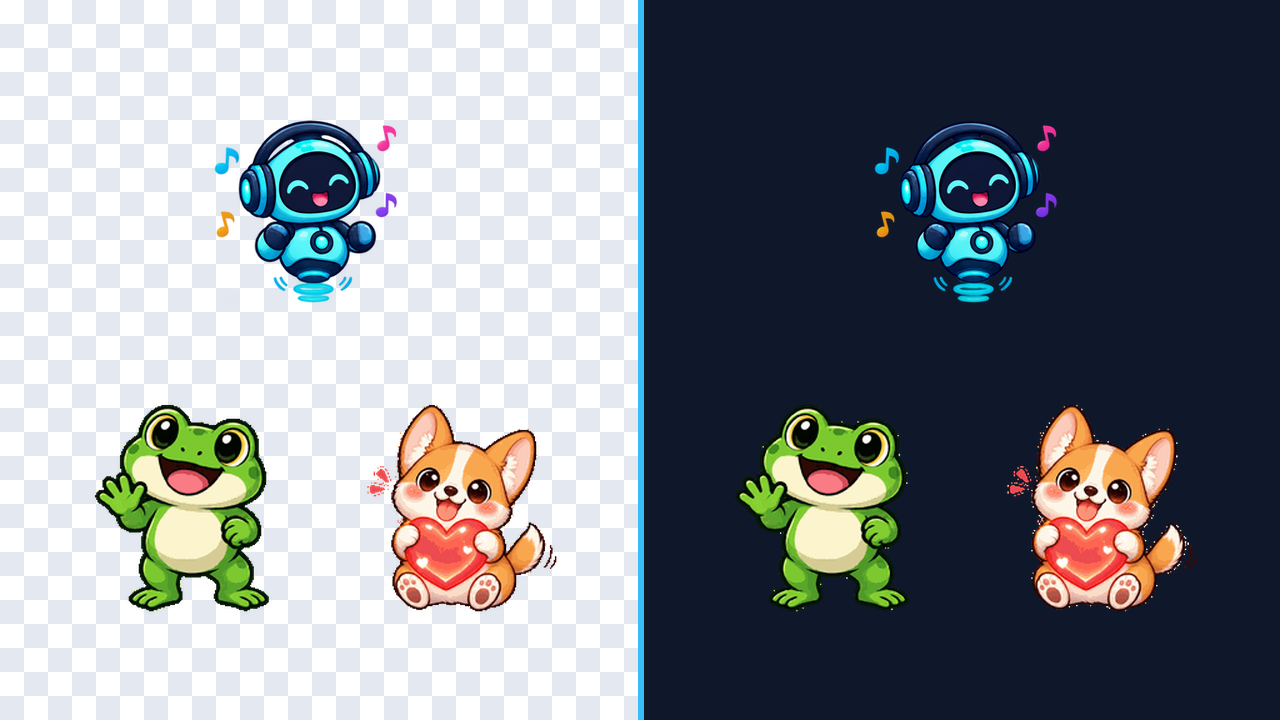
Most AI image generators output an opaque studio backdrop, forcing creators to run sloppy background removal that leaves jagged white halos around fur, hair, or outlines.
Why Native RGBA Alpha Beats Chroma Keying
MakerGIF requests true 32-bit RGBA transparency from our sprite pipeline, then slices each cell on a uniform grid before quantizing the animated GIF palette. Keeping transparency native avoids eaten inner highlights and ugly fringe pixels on dark themes.
Three Rules for Clean Character Loops
- Describe one centered subject. Phrases like "single centered chibi fox" prevent extra props from drifting into neighboring frames.
- Pick one clear action. "Happy jump and confetti" loops much more cleanly than combining three unrelated actions in one prompt.
- Export APNG when you need smooth soft shadows. Classic GIF89a uses 1-bit transparency, while MakerGIF's 32-bit APNG export preserves full translucent glow.
Try It Inside MakerGIF Studio
Open MakerGIF Studio with Transparent Background enabled, generate a 2x2 or 4x2 grid, adjust FPS on the timeline, and download either an optimized GIF or crisp 32-bit APNG in seconds.