How to Keep Animated Discord Emotes Sharp Under 256 KB
Balance pixel size, color palette depth, and Ping-Pong frame reuse to hit Discord custom emoji limits without turning your artwork into mud.
Nov 13, 2026 MakerGIF Team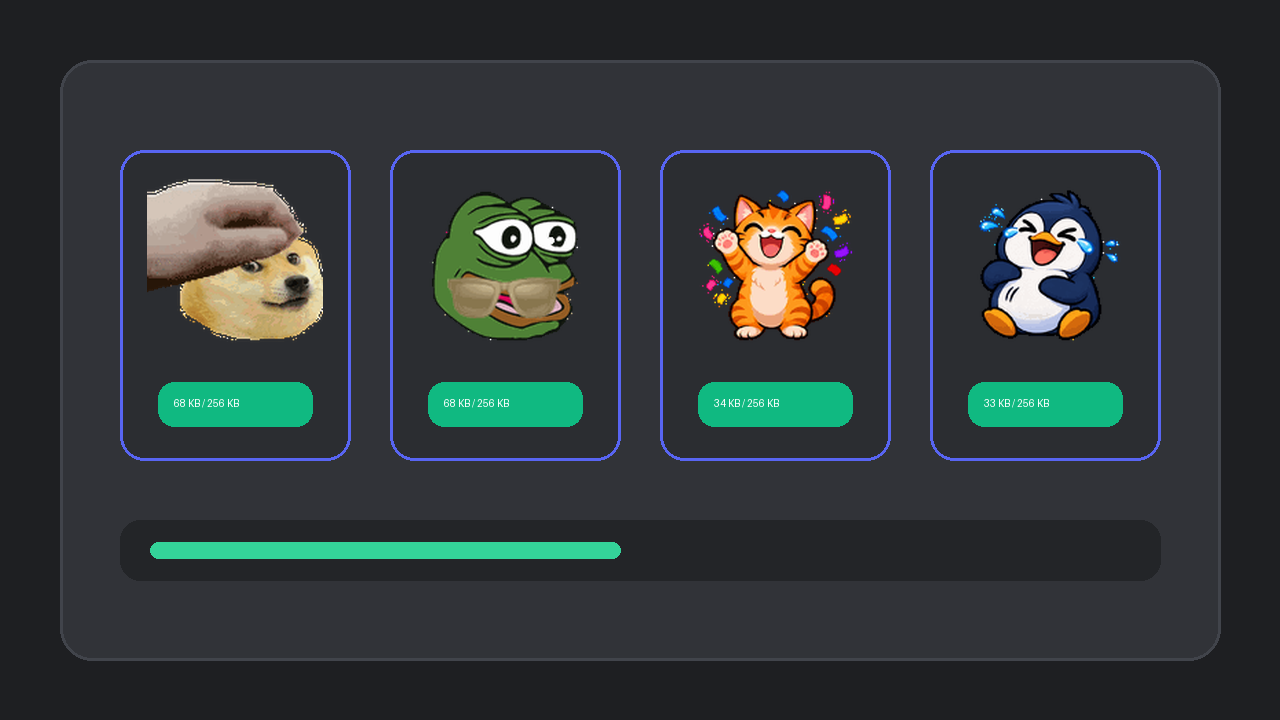
Discord caps custom animated server emojis at 256 KB, while raw screen-recorded GIFs easily hit 1.5 MB. Blindly crushing bitrate turns crisp stickers into blurry blocks.
Three Smart Compression Tricks Used by MakerGIF
- Resize to target display dimensions first. A 128x128 px emote needs 16x fewer pixels than a 512x512 render while staying razor sharp inside chat.
- Use Ping-Pong loops. Playing frames
1 -> 2 -> 3 -> 4 -> 3 -> 2doubles loop smoothness while storing only half the unique frames. - Quantize between 64 and 128 colors. Cel-shaded stickers and pixel art look nearly identical at 64 colors while cutting file weight dramatically.
Convert Existing Clips Too
Already have an MP4 reaction or raw GIF? Switch to the Discord GIF Maker or upload directly in the Studio sidebar to trim size under 256 KB before uploading to your server.